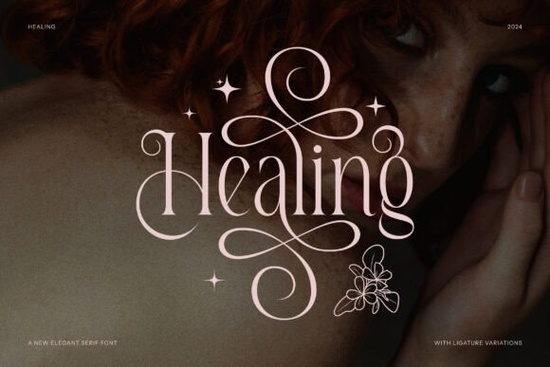
If you're looking for a typeface that feels refined without being overly decorative, Healing Font is worth a close look. It's an elegant serif typeface with a minimalist influence clean lines, balanced proportions, and a quiet sophistication that works across many design projects. Whether you're building brand materials, designing invitations, or crafting social media graphics, this font brings a polished feel without stealing the spotlight from your overall layout.
What Makes This Serif Font Stand Out?
Healing draws inspiration from minimalist logo design, which means every letterform feels intentional. The serifs are subtle but present, giving your text structure and readability while maintaining a modern edge. It doesn't try to be loud and that's exactly the point. For designers who want a typeface that communicates quality and taste quietly, this is a strong choice.
Compared to heavier editorial serifs like The Avenue Editorial, Healing leans softer and more approachable. It sits in that sweet spot between formal and friendly, making it versatile for both commercial and personal projects.
What Can You Use Healing Font For?
This typeface was built with real-world design needs in mind. Here are some practical ways to put it to work:
- Brand logos especially for beauty, wellness, lifestyle, and boutique businesses
- Wedding and event invitations its elegant letterforms set a graceful tone
- Print-on-demand products mugs, tote bags, and apparel designs that need clean typography
- Social media templates Instagram posts, Pinterest pins, and story backgrounds
- Brochures and flyers for small businesses, salons, and creative studios
- Website headers and hero text where you want something more distinctive than a standard web font
For crafters working with Cricut or Silhouette machines, serif fonts like this one tend to cut cleanly, especially at larger sizes. The defined edges of the letterforms make it easier to weed vinyl or layer heat transfers.
How Does It Compare to Other Serif Fonts?
Choosing the right serif depends on the mood you're going for. If you need something with more editorial weight, an elegant modern serif option might suit magazine layouts or lookbooks better. On the other hand, if you're after a delicate, feminine touch for beauty packaging or blog headers, the Orvella typeface offers a similarly refined feel with slightly different proportions.
Healing works best when your design needs breathing room. Its minimalist roots mean it pairs well with simple sans-serifs for body text and plenty of white space. Avoid stacking it next to overly ornate scripts the contrast can feel jarring rather than complementary.
For projects that call for something a bit more grounded and structured, a clean serif alternative provides solid readability at smaller sizes. And if you want to mix in a playful accent font for headings, a fresh display option can add personality without clashing.
Does It Work for Commercial Projects?
Yes. Like other fonts on Healing, it comes with licensing that covers both personal and commercial use. This is important if you're selling finished products whether that's digital templates, printed merchandise, or client work. Always double-check the specific license terms on the product page to make sure your intended use is covered.
You can also explore the font by searching for Healing Font directly on Creative Fabrica to see previews, character maps, and sample text.
Tips for Getting the Most Out of This Font
- Pair it wisely Match with a light sans-serif like Montserrat or Lato for body copy to keep the design balanced.
- Use generous spacing Minimalist serifs look their best with a bit of extra letter-spacing, especially in headings.
- Stick to medium and large sizes The elegant details may get lost at very small sizes in print. Test before committing.
- Try it in uppercase for logos All-caps serif lettering with wide tracking is a classic approach for branding.
- Test on mockups first Drop it into a product template or website mockup before finalizing to see how it actually reads in context.
Quick Checklist Before You Buy
- Review the font's character set make sure it includes the punctuation, numbers, and special characters you need.
- Check the license terms for your specific use case (digital products, POD items, client work).
- Download and install it on your system before starting a big project to confirm compatibility.
- Pair it with at least one complementary typeface and test the combination in your actual design layout.
- If you plan to use it on products, print a sample first to verify how the serif details reproduce on your chosen material.
Next step: Download Healing Font and test it in one of your current projects. Even replacing your heading font can give you a quick sense of whether it fits your design direction. If it clicks, you'll have a reliable serif option ready for invitations, branding, and everything in between.
Learn More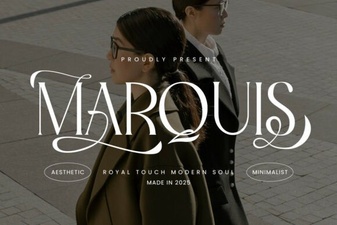 Marquis: a Modern Serif Font for Elegant Design Projects
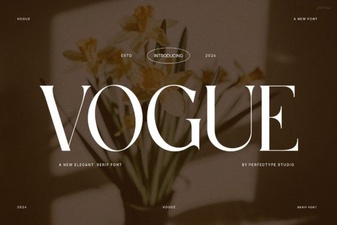 Vogue Font: Elevate Your Design Aesthetic
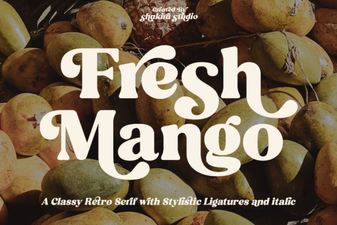 Fresh Mango Font: a Vibrant Choice for Creative Design Projects
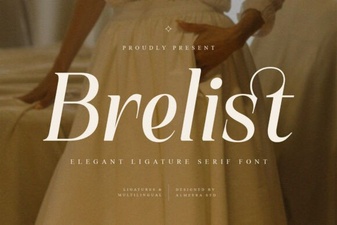 Brelist Font: Modern Elegance for Creative Designs
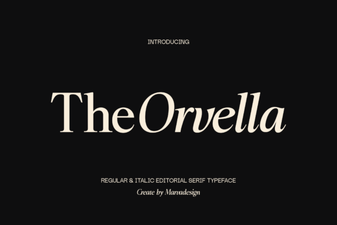 Orvella Font: Elegant Script for Creative Design Projects
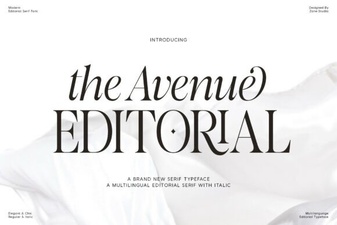 The Avenue Editorial Font: Elegant Type for Modern Design